 Contact
  Calendars
 Careers
 Engage
  District

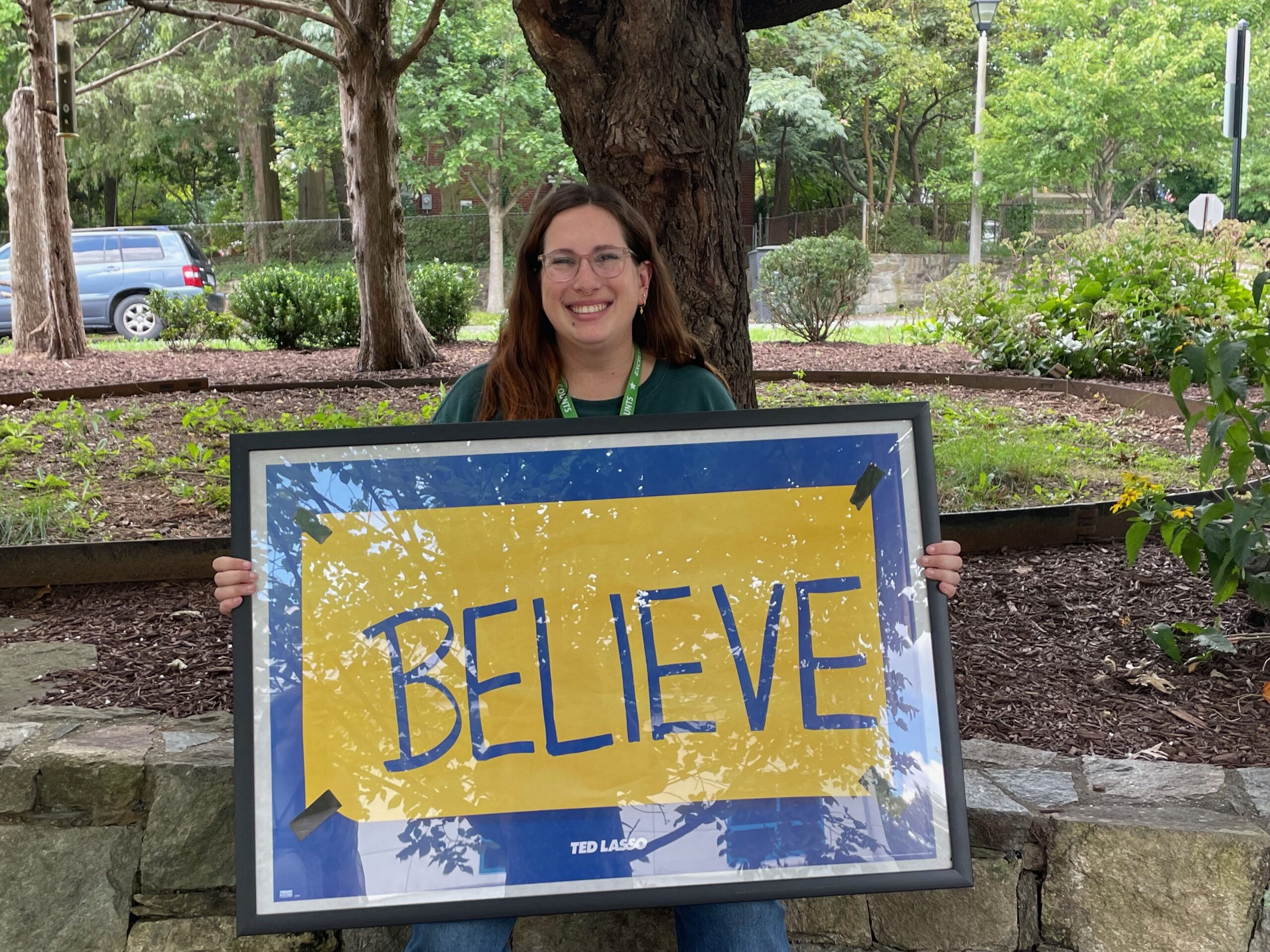
Technology at Long Branch
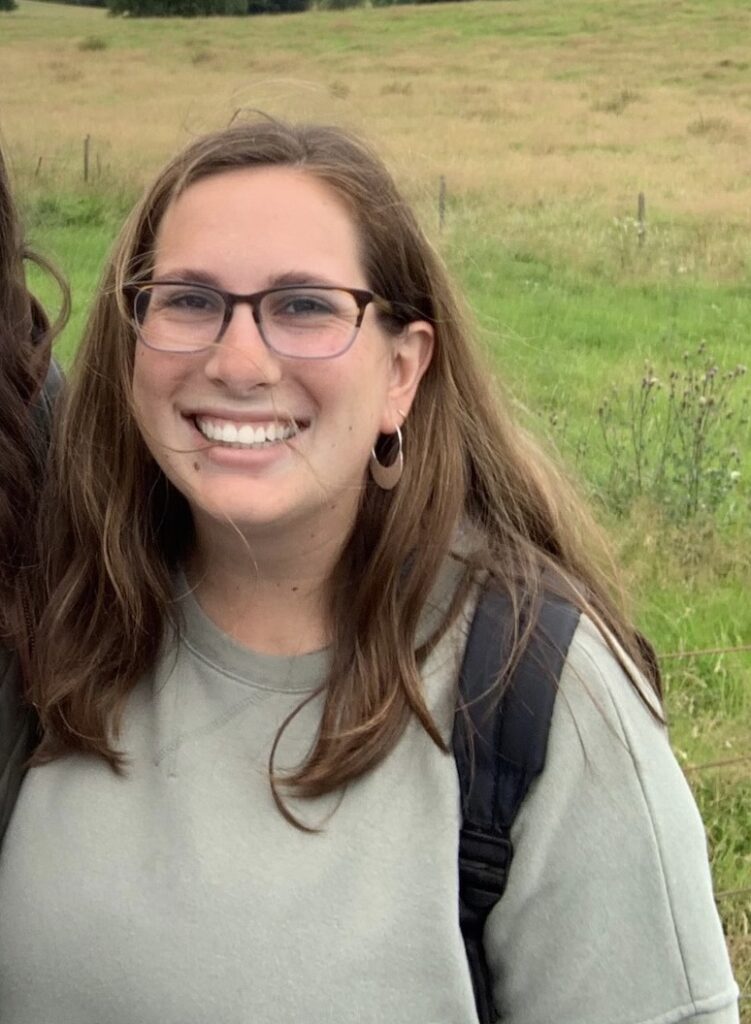

Ms. Mintzer supports, assists, and provides technology training for Long Branch staff. Ms. Mintzer also plans and collaborates with staff on technology projects, lessons in the classroom, and the implementation of educational technology.
A variety of technology tools are available to students and teachers. Our classrooms are equipped with a teacher laptop, interactive white board, and Apple TVs for instruction. Our specialists and resource staff also have a laptop and the majority of them have an interactive whiteboard and Apple TVs in their classroom.
Students receive iPads as part of the Digital Learning Initiative. The focus of the program at The Branch is to create a personalized learning environment for students to access information, collaborate and share their knowledge while exploring the impact of these digital learning devices on student writing.
iPad and Technology Resources
Just receive your iPad? Cannot connect to the internet? Follow these steps:
- Connect to your home WiFi
- Open and connect with the Global Protect app. Without this app you will not be able to use the iPad! Watch this video (English) / (Watch this video (Espanol) if you need assistance with logging into Global Protect.
- Open and log into the HUB app
- Login to MS teams (English) / MS Teams (Espanol)
- Login to Canvas (English) / Canvas (Espanol)
Need more help with your iPad? / ¿Necesitas más ayuda con tu iPad?
Signing into the Canvas Student app for the fist time? / ¿Iniciar sesión en la aplicación Canvas Student durante el primer tiempo?
- English: https://www.youtube.com/watch?v=cqkBqGcCSwA
- Espanol: https://vimeo.com/454217962/7534fec389
Student Technology Tutorials / Tutoriales de tecnología para estudiantes
- The following information is helpful for both elementary and middle school students: https://www.apsva.us/ms-student-technology-tutorials/
Arlington Public Schools Parent Academy – Click here for the APS Parent Academy
- Help with ParentVue
- Ayuda con ParentVue (Espanol)
Helpful Videos for students and families / Videos útiles para estudiantes y familias
- Try this on your iPad before contacting your teacher: https://vimeo.com/461094405
- Record iPad screen: https://vimeo.com/450985460
- Log in to MyAccess to access other Apps including Clever: https://vimeo.com/451706206
- Inicie sesión en MyAccess para acceder a otras aplicaciones, incluida Clever: https://vimeo.com/458674646
- Create pointer on iPad: https://vimeo.com/450981024
- Set timer on iPad: https://vimeo.com/450980952
- Update apps: https://vimeo.com/450980882
- iPad Split screen: https://vimeo.com/450979317
- Close multiple tabs on Safari: https://vimeo.com/464292313
Still, need help? Contact our ITC.